



Install
Choose your platform from Downloads. Keep the downloaded package until you have confirmed OneAuth opens correctly on that device.
OneAuth documentation
A short guide to installing OneAuth, adding accounts, transferring authenticators, and verifying updates. Setup scans AmL and MessageMe circular codes only, never standard QR.
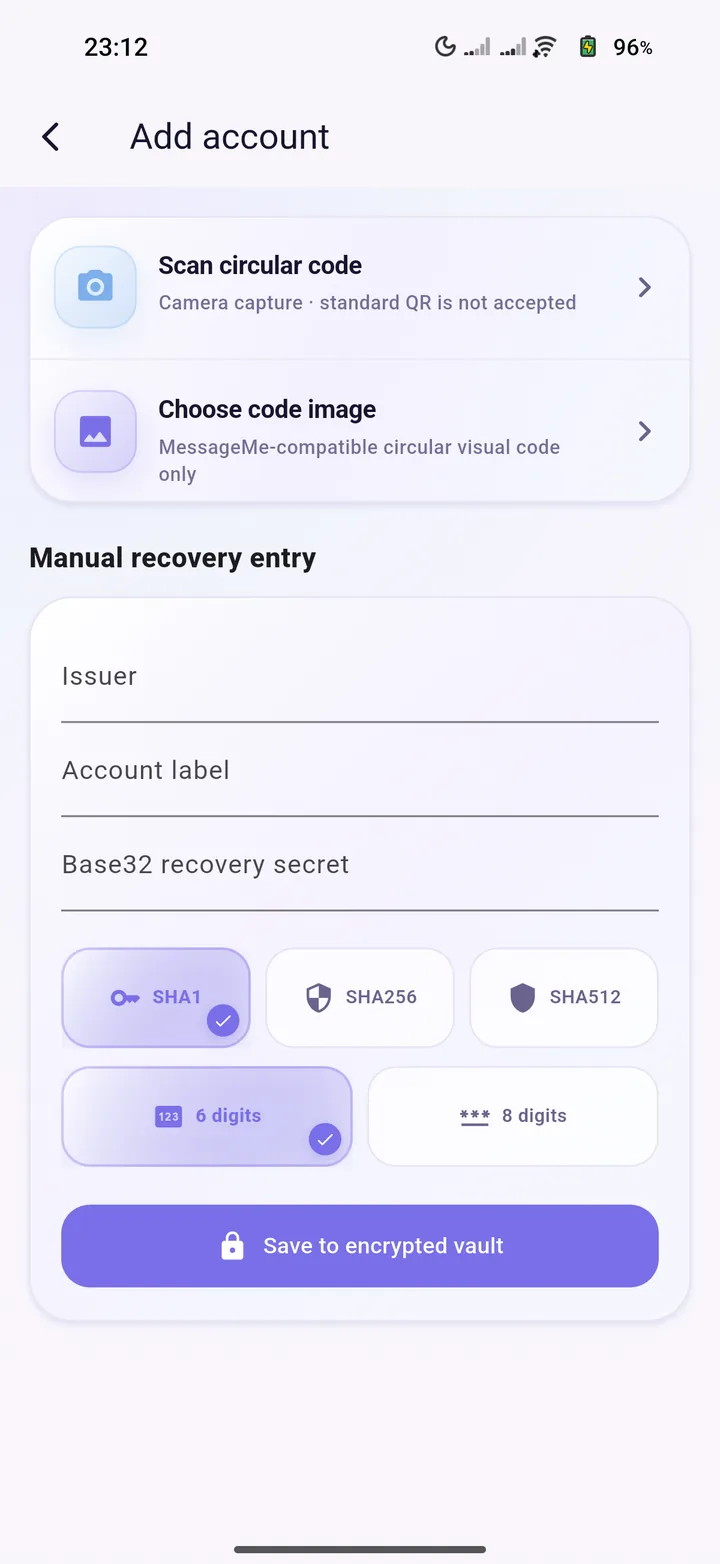
Choose your platform from Downloads. Keep the downloaded package until you have confirmed OneAuth opens correctly on that device.
Scan an AmL or MessageMe circular visual code, or enter a recovery secret manually. OneAuth deliberately rejects standard QR and otpauth setup links. Save recovery codes separately.
Confirm every account works on the new device before removing the old copy. Never send authenticator secrets through chat or email.
OneAuth releases use the shared AmL manifest and SHA-256 metadata. Download packages only from auth.aml.one or the shared AmL downloads page.