


A private AmL authenticator
Your codes, in your circle.
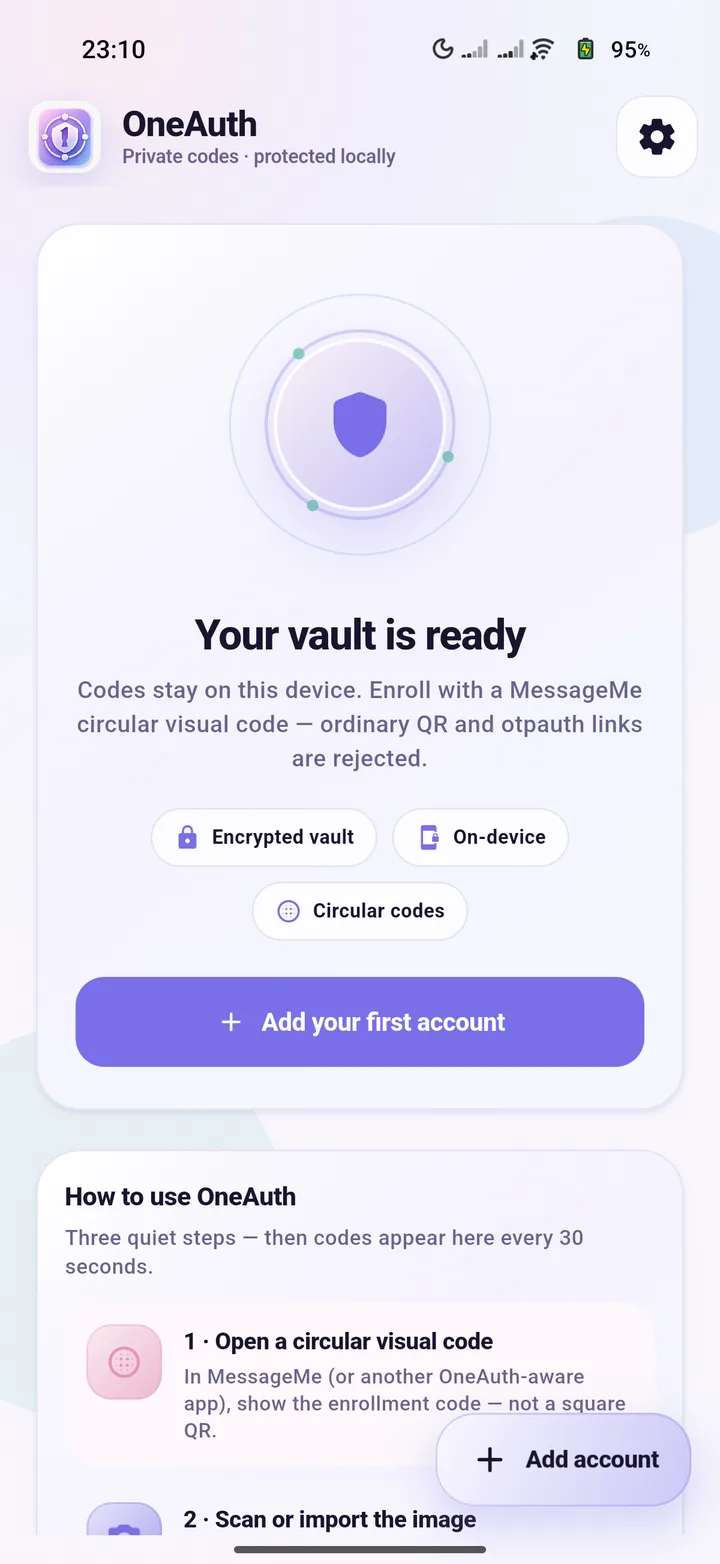
OneAuth keeps two-factor codes focused, portable, and under your control. Setup scans AmL and MessageMe circular visual codes only - never standard QR codes.
- Encrypted vault
- On-device by default
- Circular codes only
Circular codes only.
Secrets stay on device.
Phone, desktop, and Ubuntu Touch.
Signed packages on the AmL channel.
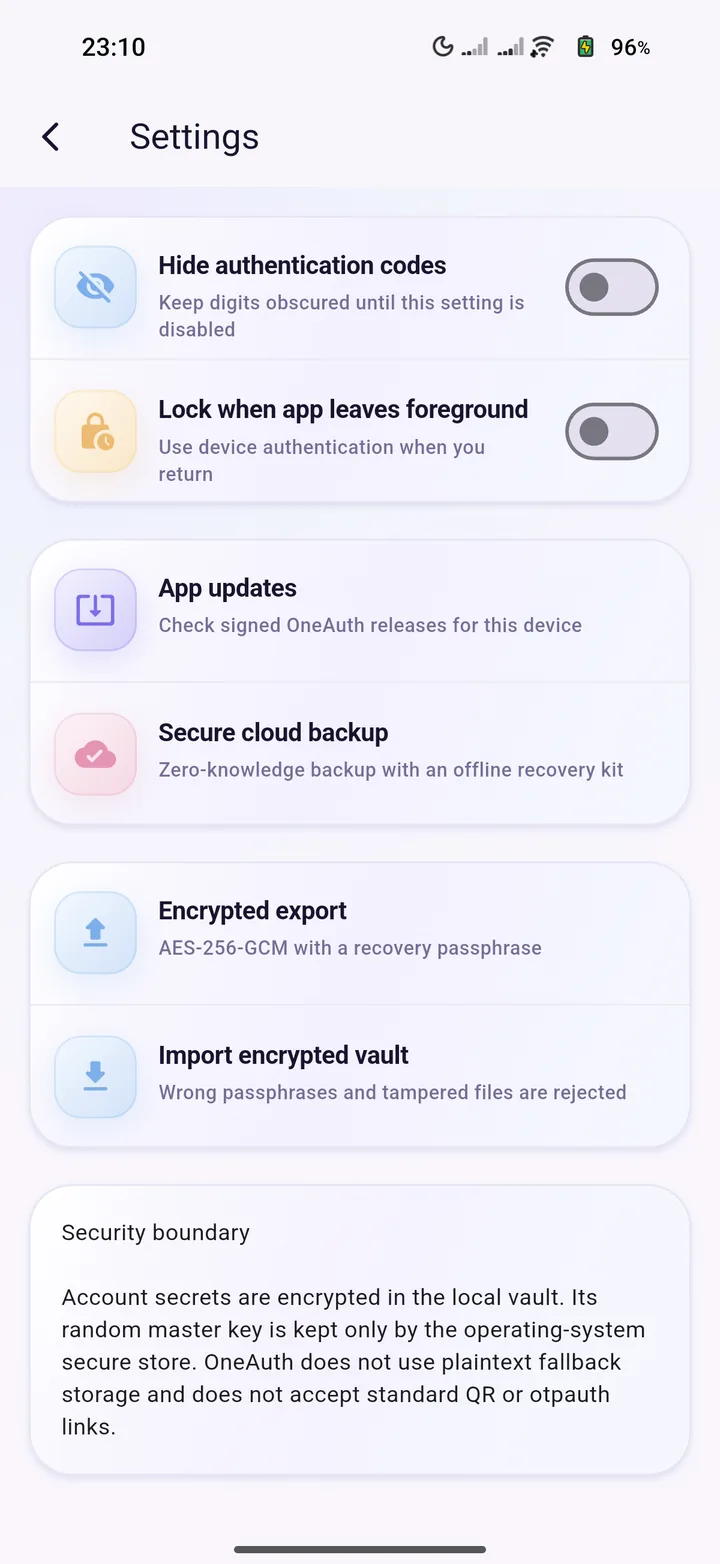
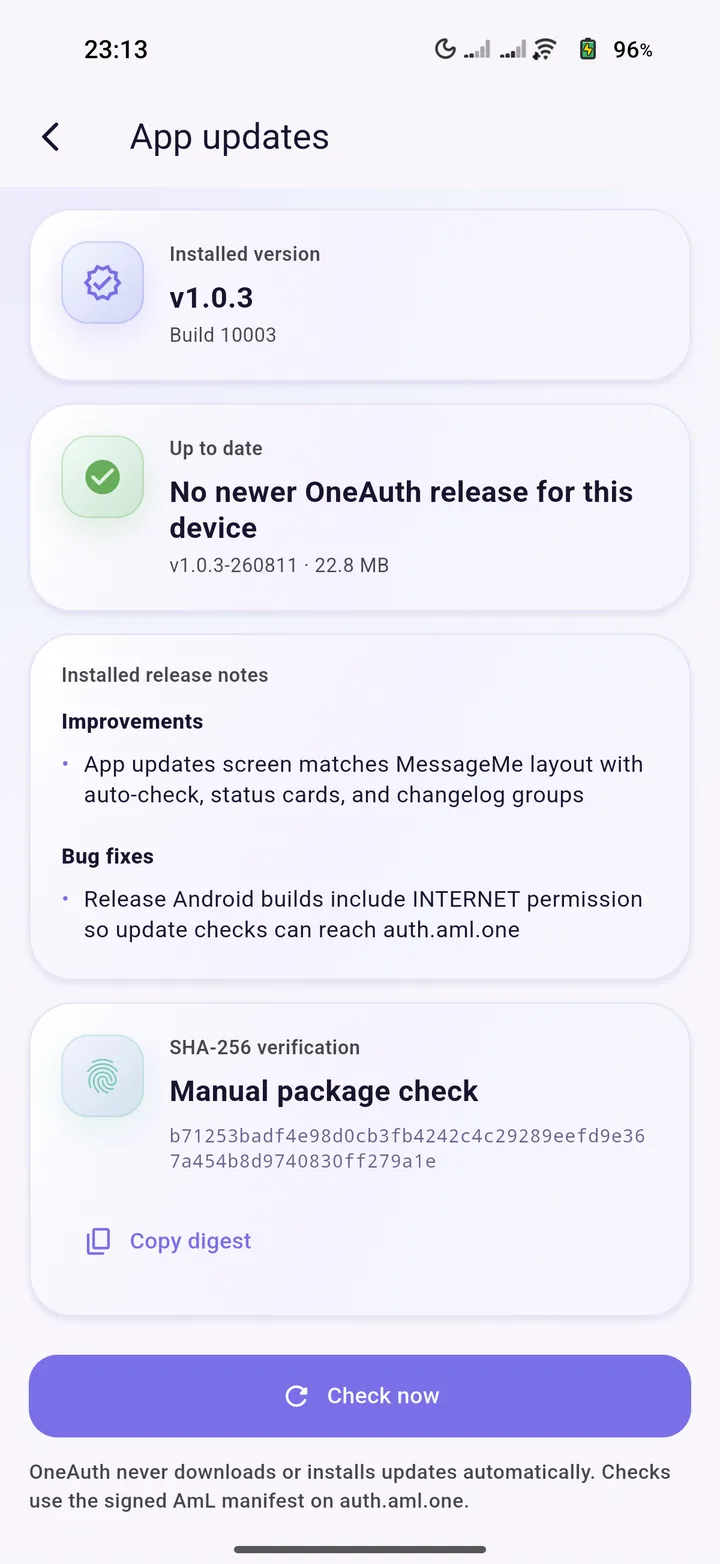
Real app, real device
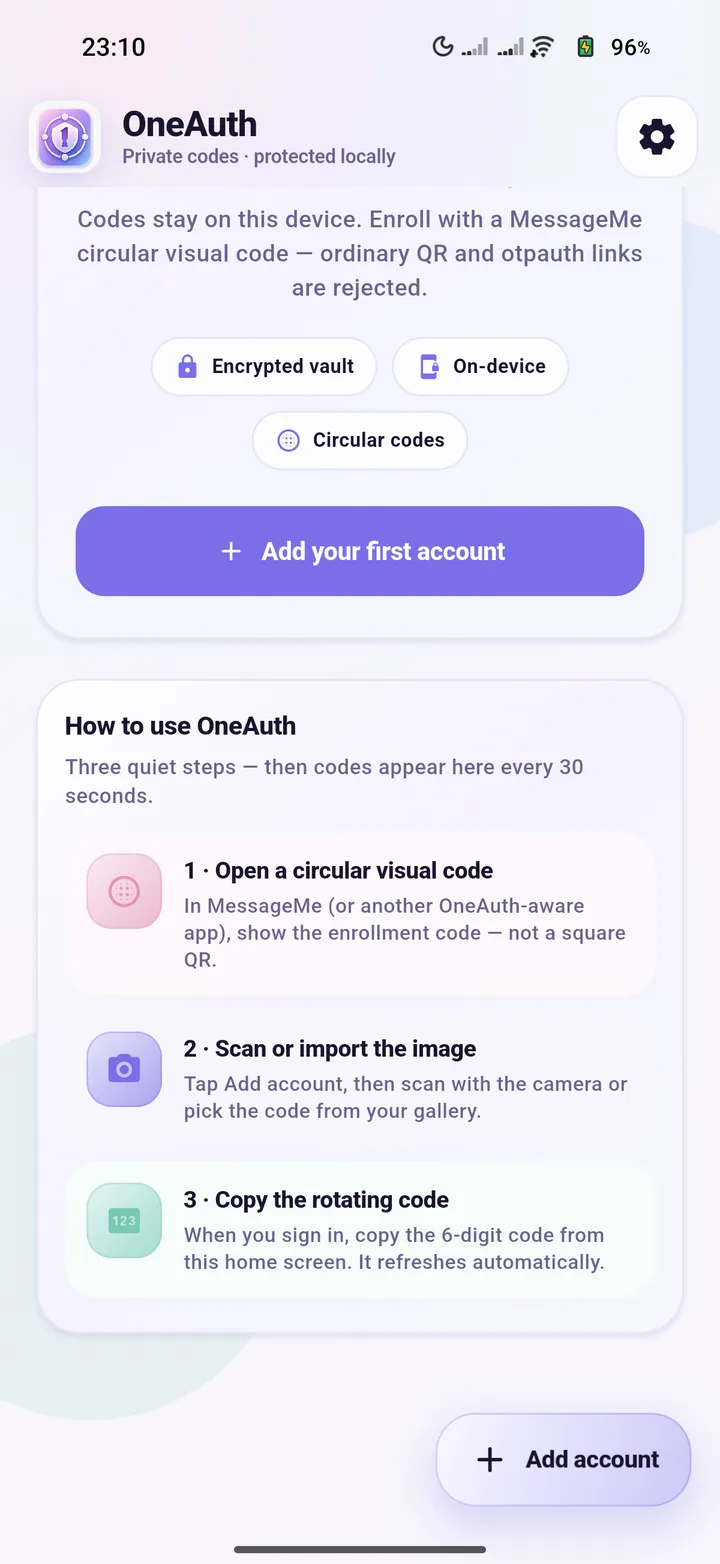
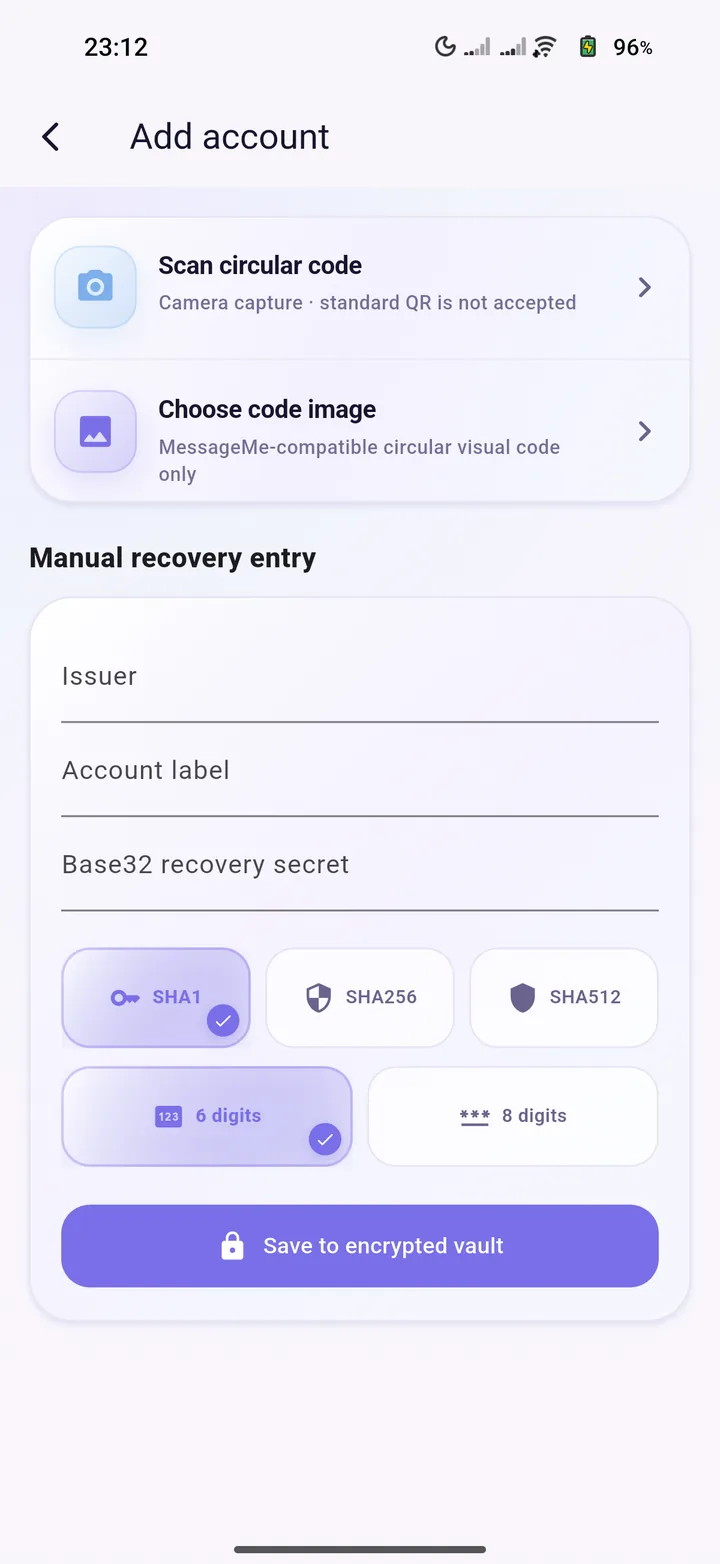
The current OneAuth UI, not a concept render.
Captured from the running Android release after the home redesign, settings polish, and verified updates work.
Quiet setup
Three steps. Then codes every 30 seconds.
Open a circular visual code
In MessageMe or another OneAuth-aware app, show the enrollment code - not a square QR.
Scan or import the image
Tap Add account, then capture with the camera or pick a compatible code image.
Copy the rotating code
Digits appear on Home and refresh automatically. Hide them when you want privacy.
Authentication without the noise
Built for private codes, not clutter.
Circular-only setup
Provision accounts from AmL and MessageMe circular visual codes. Standard QR and otpauth links are rejected on purpose.
Encrypted local vault
Secrets stay on the device in an encrypted vault. The master key lives in the operating-system secure store.
Scan or import
Use the camera or pick a MessageMe-compatible circular code image when you add an account.
Manual recovery entry
Enter issuer, label, and Base32 secret yourself when you need a recovery path without a visual code.
Privacy controls
Hide digits until you need them, and lock OneAuth when the app leaves the foreground.
Verified updates
Check signed releases from auth.aml.one with SHA-256 digests. OneAuth never auto-installs updates.
Your vault. Your device. Your rules.
OneAuth is designed around local control and deliberate transfer. It contacts AmL only for signed update metadata you ask for.
Built for your devices.
Signed OneAuth packages appear here as each platform is ready. Same AmL release channel as MessageMe and AmL Launcher.
Keep access in your circle.
Android, Windows, macOS, Linux, and Ubuntu Touch - one private authenticator family.